🎮 Game Controls & Keyboard Guide
Monster Vs Zombie: The Ultimate Puzzle Challenge
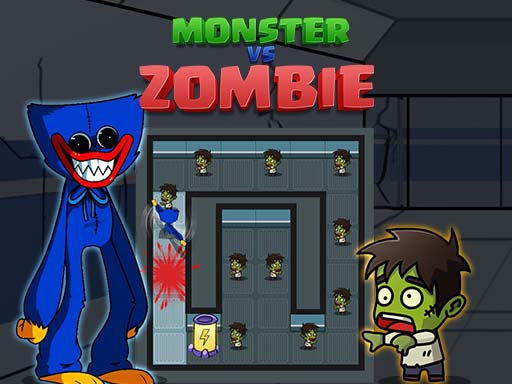
Slide the monster to help it eat all the zombies in the way. Use your strategic thinking and problem solving skill to avoid all obstacle and reach the gate to go to the next level.
Master every challenge in Monster Vs Zombie, a beautifully crafted Puzzle masterpiece that will keep you engaged and striving for higher scores.
Complete Guide & Gameplay for Monster Vs Zombie
To excel in Monster Vs Zombie, start by familiarizing yourself with the responsive controls. As the difficulty scales, maintaining composure and steady rhythm will be key to conquering high levels.
This classic Puzzle browser title is fully optimized for HTML5 browsers, delivering responsive physics and immersive action on desktop, mobile, and tablet platforms without downloads.
⭐ Pro Tips & Strategy
Plan at least 2 to 3 moves ahead rather than making instantaneous impulsive matches. Scan the entire board before making a move to create multi-chain cascading combos.
⚡ Key Features
📱 Cross-Platform Ready
Flawless gameplay experience on PC, Laptop, Chromebook, iPhone, iPad, and Android.
🏆 Endless Replayability
Challenging level design with increasing difficulty to test your mastery continuously.